
 What if your app could read the room, adapt in the moment, and deliver the exact interaction a user needs without calling home to a server? That is the promise of modern iOS App Development with on‑device machine learning. Apple’s Core ML plugs intelligent capabilities directly into the app runtime, which keeps experiences snappy and user data private by running models on the device’s CPU, GPU, and Neural Engine.
Below is a practical, hype‑free tour of what this looks like in real products, how it changes Ui/ux Services, and why the smartest teams now connect their build process to paid growth with lessons pulled from the Google Ads learning ecosystem.
The New Baseline: Intelligence that Lives inside the App
Apple’s Core ML gives developers a unified way to integrate models for vision, speech, and natural language, and even fine-tune or retrain them using a person’s data on the device. That reduces network dependence and helps protect privacy while improving responsiveness.
For teams shipping weekly, the Core ML update cadence matters. Recent additions include a new MLTensor type, stateful predictions, and model compression in Core ML Tools to shrink models while maintaining quality. These are not theoretical niceties. Smaller models mean faster launch, lower memory pressure, and smoother animations on older devices.
Personalization without the creepiness
You can personalize a model with on‑device updates using labeled data from the user’s own activity. Instead of sending embeddings to your cloud, push an updatable model and let Core ML adapt locally as behavior changes.
Train the right model faster
Create ML shortens the path from idea to working model on a Mac. It ships ready‑made templates for images, text, sound, tabular data, recommendations, and more, and now supports richer previews, training control, and even time series components through Create ML Components.
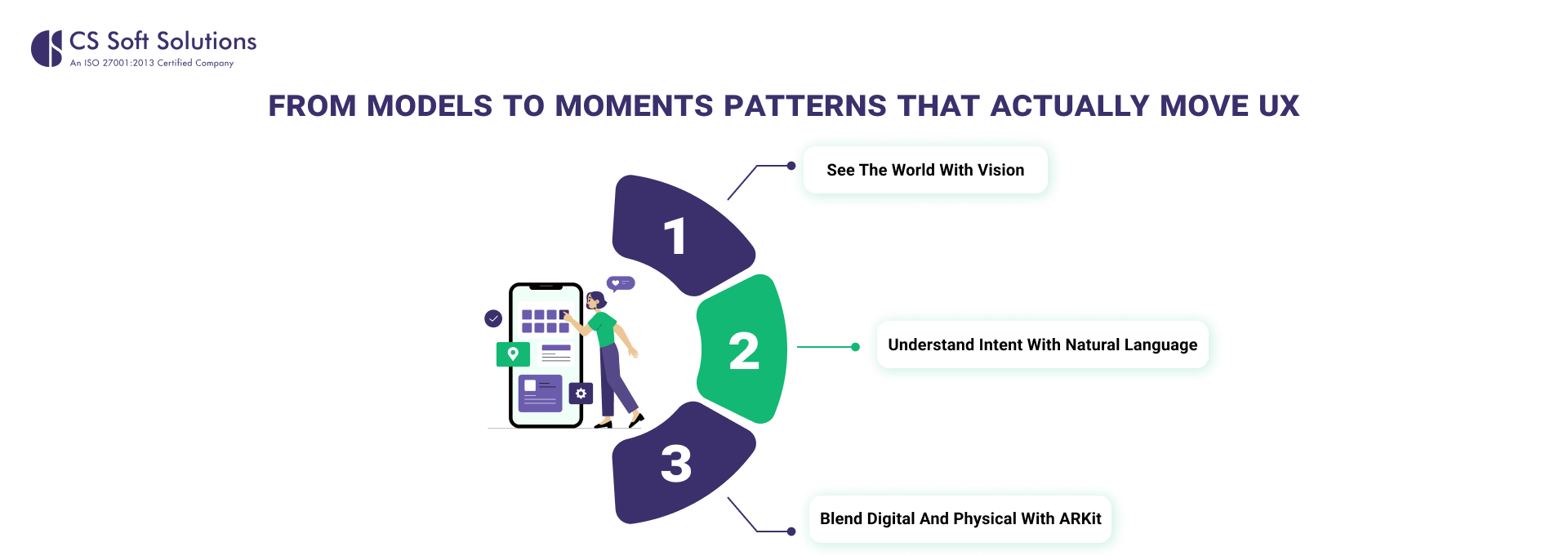
From models to moments: patterns that actually move UX
Machine learning is not a feature. It is the layer that turns inert screens into responsive companions. Apple’s machine learning stack spans Core ML, Vision, Natural Language, Speech, and other APIs, so you can mix perception, understanding, and generation in a single flow.
1. See the World with Vision
Use Vision for classification, detection, and live analysis. Perfect for checkout scanning, accessibility enhancements, and proactive safety features.
2. Understand Intent with Natural Language
Leverage Natural Language and on‑device speech transcription so users can type less and accomplish more with intuitive voice and text interactions.
3. Blend Digital and Physical with ARKit
Harness ARKit’s world and scene understanding to place guidance, previews, or interactive elements seamlessly in real-world spaces.
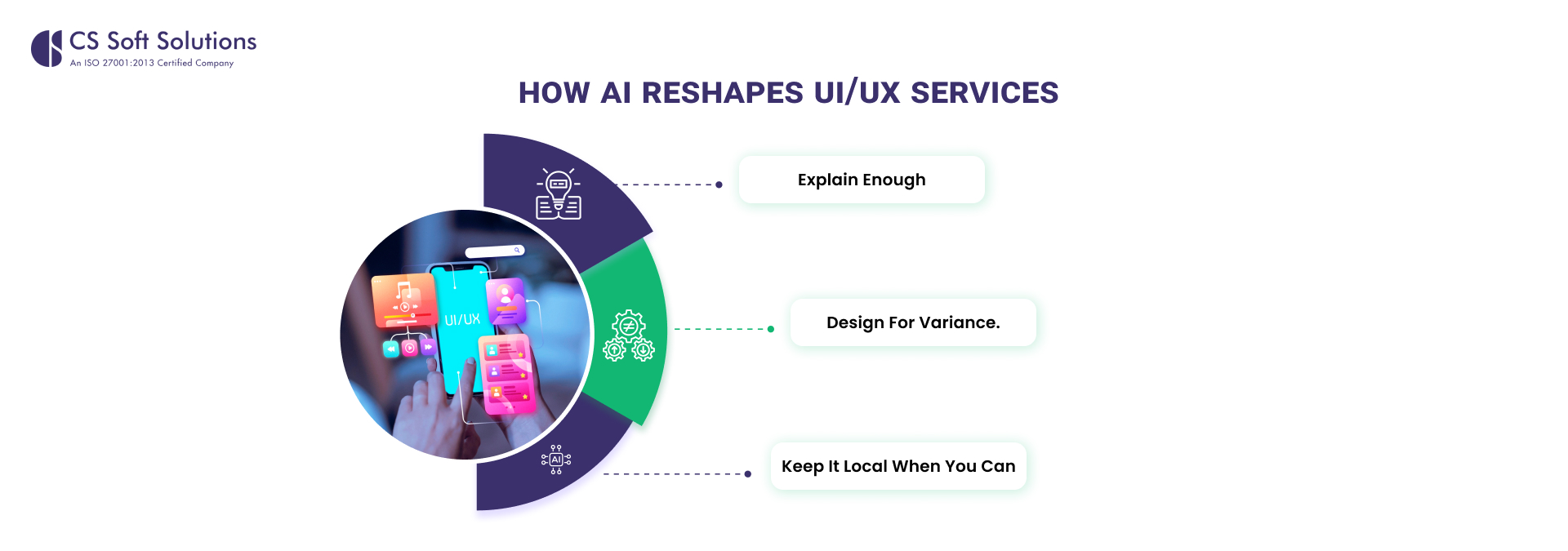
How AI reshapes Ui/ux Services
Designers who support Ui/ux Services now treat models like any other component in the system design. A few patterns to bake into your playbook:
- Explain enough. Provide simple cues for why the system made a suggestion and a one‑tap way to correct it. This teaches the model and builds trust. Core ML supports on‑device updates, which makes this feedback loop immediate.
- Design for variance. Models have confidence bands. UIs should soften or escalate language based on confidence, not present every prediction as a fact. Core ML’s stateful predictions and performance tools help you profile behavior across devices.
- Keep it local when you can. On‑device inference cuts latency and reduces exposure of personal data. Use the cloud for what must be shared, not every microdecision.
If your organization delivers iOS and Android App Development Services, keep parity by defining capabilities in terms of user value first, then mapping to the best on‑device framework per platform. That way, your experience feels consistent even if the model graphs differ under the hood.
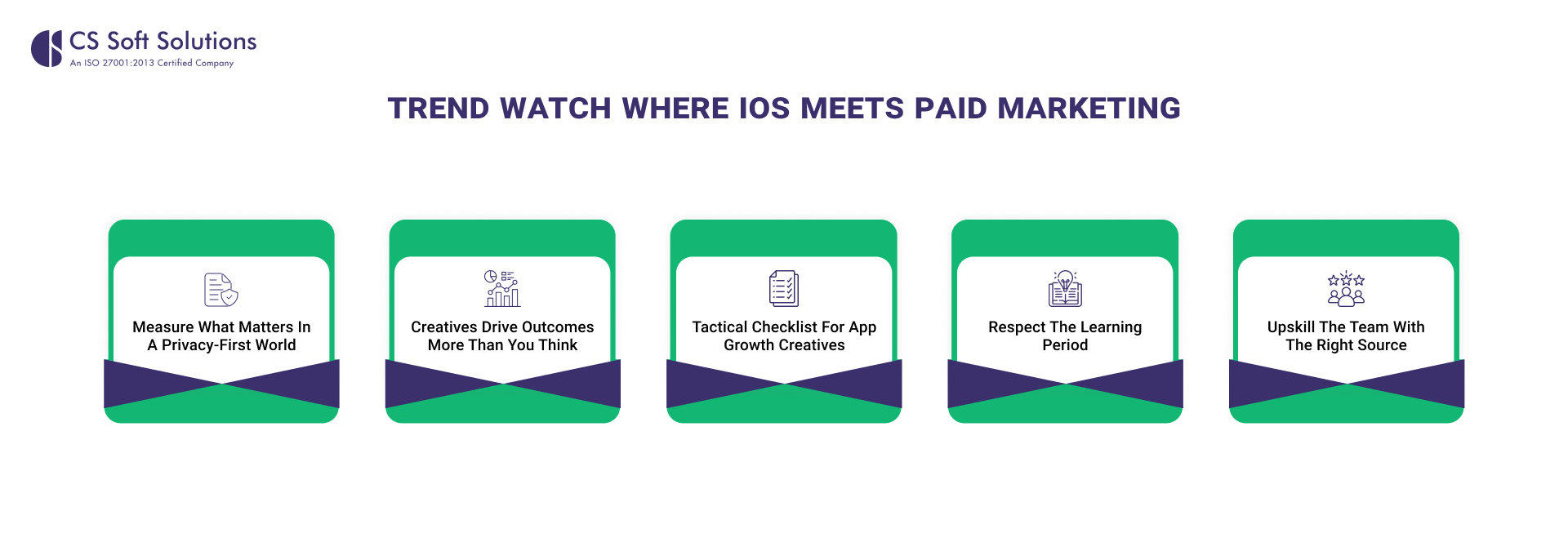
Trend watch: where iOS meets paid marketing
Your intelligent features should not live in a vacuum. The strongest product teams connect in‑app signals to privacy‑safe acquisition and re‑engagement. Here is what matters in 2025 for iOS growth and why it makes paid marketing feel special rather than spammy.
Measure what matters in a privacy‑first world
On iOS, app install and event measurement for ads runs through Apple’s SKAdNetwork. It validates ad‑driven installs and post‑install activity at an aggregated level, using conversion values that your app sets, without revealing user‑level data.
Google Ads exposes a dedicated SKAdNetwork conversions report so you can view installs and post‑install conversions by campaign and see conversion values per day. This keeps optimization possible while respecting Apple’s privacy design.
If you rely on GA4 or Google Analytics for Firebase, the latest SDKs support SKAdNetwork conversion value handling and even receiving SKAN postbacks via Measurement Protocol, which helps unify reporting.
Creatives drive outcomes more than you think
Google’s own creative guidance notes that creative quality strongly influences sales impact, and their AI tools can mix and match assets across Search and Performance Max. The move here is to supply diverse, high‑quality inputs and let the system test combinations. Use responsive assets, fresh landing pages, and image or video variants so the algorithm has a range to learn.
Tactical checklist for app growth creatives
- Provide many headlines and descriptions so responsive formats can find winning pairs.
- Add images and video in multiple orientations to cover placements and contexts.
- Keep site content current, because AI pulls brand and product signals from your pages.
Respect the learning period
When you make a significant change to an automated bid strategy, campaigns enter a learning state. Duration depends on conversion volume and conversion cycle length. Google advises that around fifty conversion events or up to roughly three conversion cycles may be needed for the strategy to calibrate to your new objective, so avoid thrashing settings during that window.
Upskill the team with the right source
Google’s Skillshop offers free training and certifications for Google Ads. Courses focus on real‑world scenarios across measurement, Search, Display, YouTube, and app growth, which can tighten collaboration between your acquisition leads and product engineers.
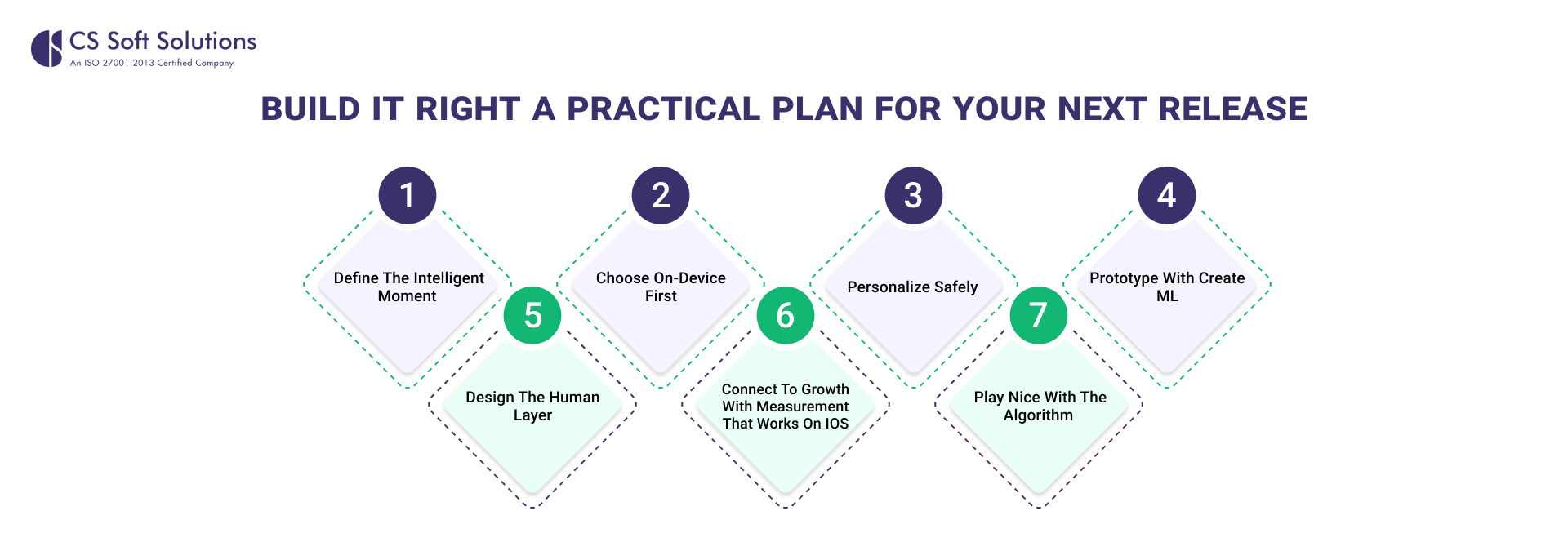
Build it right: a practical plan for your next release
1. Define the intelligent moment
Write a one‑sentence promise for the user. Example: “Help a runner adjust training by reading their recent pace and recovery patterns.” Pick the minimal model that can deliver that outcome.
2. Choose on‑device first
Load a Core ML model that runs entirely on the device and profile it across target devices using Xcode’s performance reports. On‑device runs keep the experience fast and private.
3. Personalize safely
If the feature benefits from learning someone’s habits, ship an updatable model and run on‑device update tasks using recent labeled activity. Add an in‑UI control to reset personalization.
4. Prototype with Create ML
Stand up an initial model using Create ML templates. Use the data preview and training controls to spot label errors and stop early if the curve flattens.
5. Design the human layer
In your Ui/ux Services, surface clear justifications, provide alternatives, and let users correct the system. Confidence should influence tone and next steps.
6. Connect to growth with a measurement that works on iOS
- Map your most predictive early‑life events to SKAdNetwork conversion values so optimization has a signal.
- Review SKAN conversions in Google Ads to gauge campaign quality without user‑level data.
- If you use GA4 or Firebase, implement SKAN value handling and postback ingestion for fuller reporting.
7. Play nice with the algorithm
Batch changes, expand quality assets, and give the system time to exit learning. Avoid repeated goal swaps that reset the calibration, and remember that prior conversion history speeds learning.
Conclusion
If you are planning a release that blends intelligence with clarity, draft a one‑pager that lists the user promise, the on‑device model you will use, the UI affordances for feedback, and the SKAN conversion mapping for early‑life actions. Share it with both engineering and growth. Then pressure test it against your iOS and Android app development services playbook so both platforms deliver the same promise with platform‑native tools.
So, it is time to partner with iOS app development experts like CS Soft Solutions India Pvt. Ltd. and grow your business by adopting the latest and most creative environment.